
Docker部署jrebel破解idea的jrebel插件
目录
docker部署jrebel破解idea的jrebel插件
下载对应破解文件:Releases · ilanyu/ReverseProxy (github.com)
编写Dockerfile文件:
dockerfile
FROM alpine

COPY ReverseProxy_linux_amd64 /root/ReverseProxy_linux_amd64

WORKDIR /root/

RUN ["chmod", "+x", "ReverseProxy_linux_amd64"]

CMD ["./ReverseProxy_linux_amd64"]

EXPOSE 8888
构建镜像&部署
shell
docker build -t jrebel:1.0.0 .
docker run -p 8888:8888 --name jrebel -it -d jrebel:1.0.0
```````bash
### 配置idea
生成uuid
[Create GUID online (guidgen.com)](https://www.guidgen.com/)
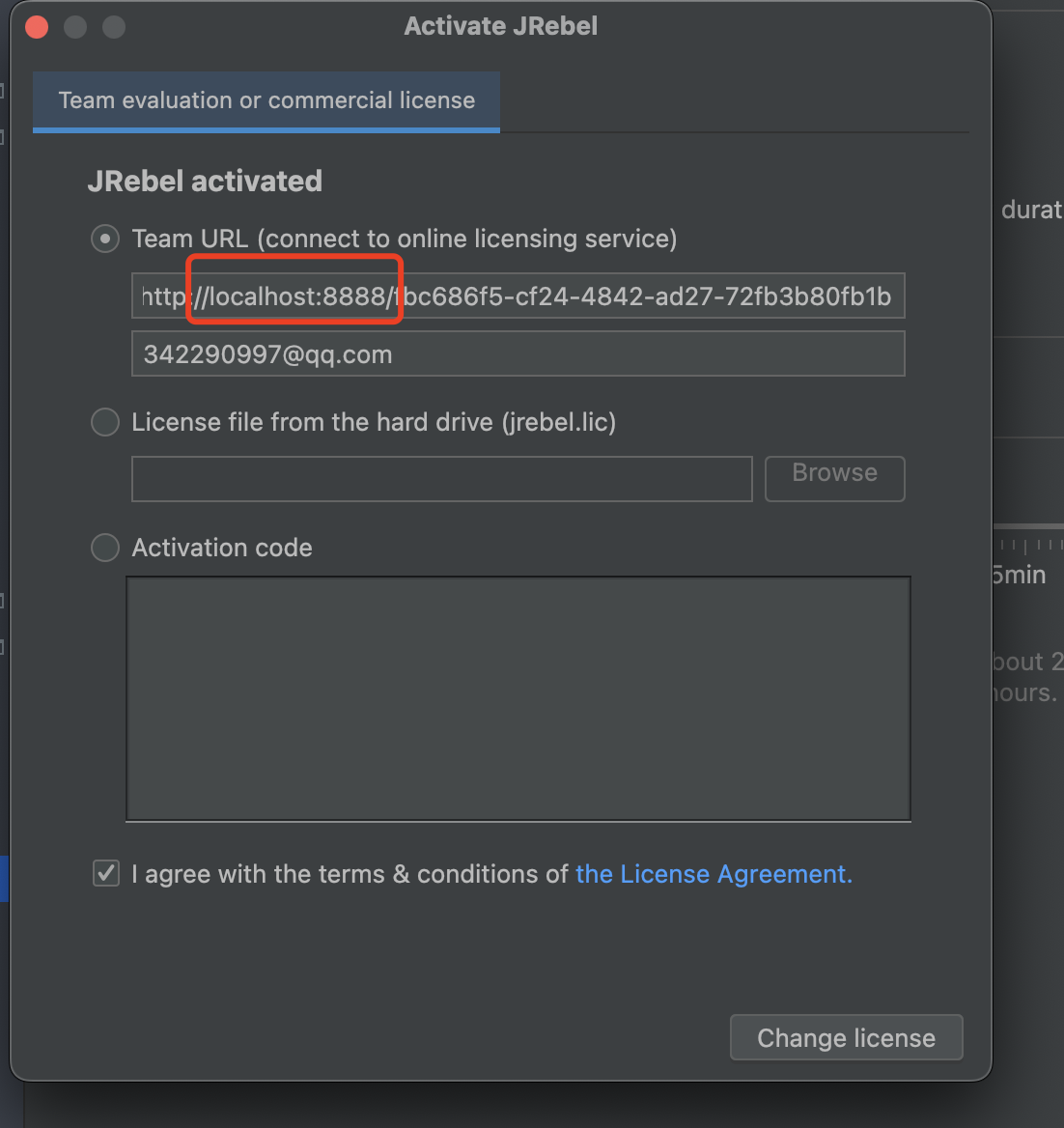
填入http://ip:8888/uuid,注意下图中的localhost是我本地起得服务,需要修改成对应的docker容器宿主机的ip
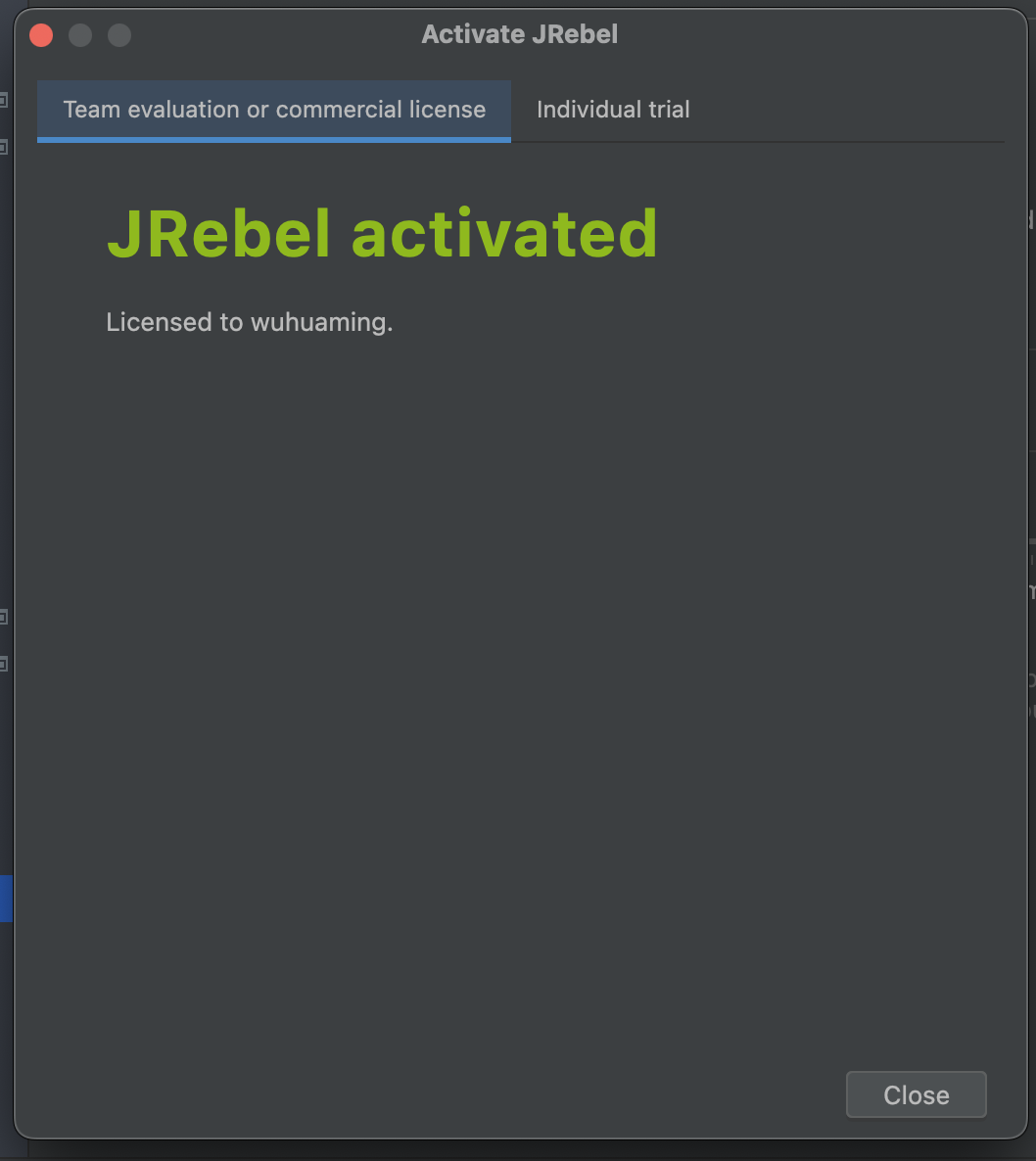
激活成功:
## 本地mac部署
github: https://github.com/ilanyu/ReverseProxy.git
进入**ReverseProxy**目录,创建**go.mod**文件
go.mod文件中添加model
```go.mod
module ReverseProxy
```````bash
bash
安装依赖
```sh
go get github.com/bogdanovich/dns_resolver编译文件:
sh
go build -o reverse_proxy main.go cmd.go handle.go将生成的二进制文件reverse_proxy复制到/Users/wuhming/docker/jrebel目录下
cd /Users/wuhming/docker/jrebel
执行文件:reverse_proxy
txt
2023/07/05 20:37:56 Listening on 0.0.0.0:8888, forwarding to http://idea.lanyus.com:80
指定端口号启动:
./reverse_proxy -l "0.0.0.0:8808"```

结果:

`````bash
txt
2023/07/05 20:50:53 Listening on 0.0.0.0:8808, forwarding to http://idea.lanyus.com:80